
When social media, movies, television, radio, and constant access to entertainment are taken away, uplifting music becomes SO much more precious. But, with cell phone restrictions and the Church’s current legal remediation of “missionary music drives”, good music (besides what’s on Gospel Library) is hard to come by.
We’re here to help:) Keep reading for our full guide to downloading music to your missionary phone, with multiple options.
**Please note: We do not encourage anyone to break mission rules and listen to unapproved music. We also do not encourage anyone to access and download music files illegally. **
Materials Most Likely Needed
We have different strategies for you, but if you acquire all these materials, you can take your pick of music.
- Computer (if you’re already a missionary, you can access computers at the MTC, at your nearest church building, or in a member’s house).
- Your phone
- Wifi
- Your Google Account information
- Your missionary email
Option 1: Gospel Library
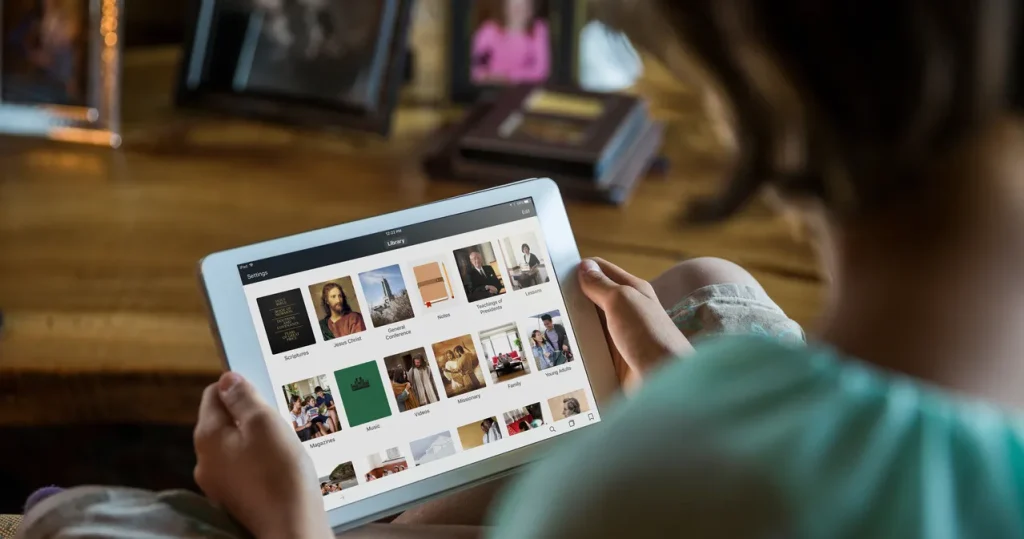
Download music onto your Gospel Library app (so you can listen to the Youth Album even when you don’t have Wifi:))
- Go to your Gospel Library App
- Click “Music”
- Find a song or album you like
- Click the three dots in the top right corner
- Click “download”
- This won’t download the music to your phone, but it will let you listen to it without internet
(You can also use the three dots to make your own playlist with your favorite songs from different genres/albums).
Option 2: Free Downloads From Creators
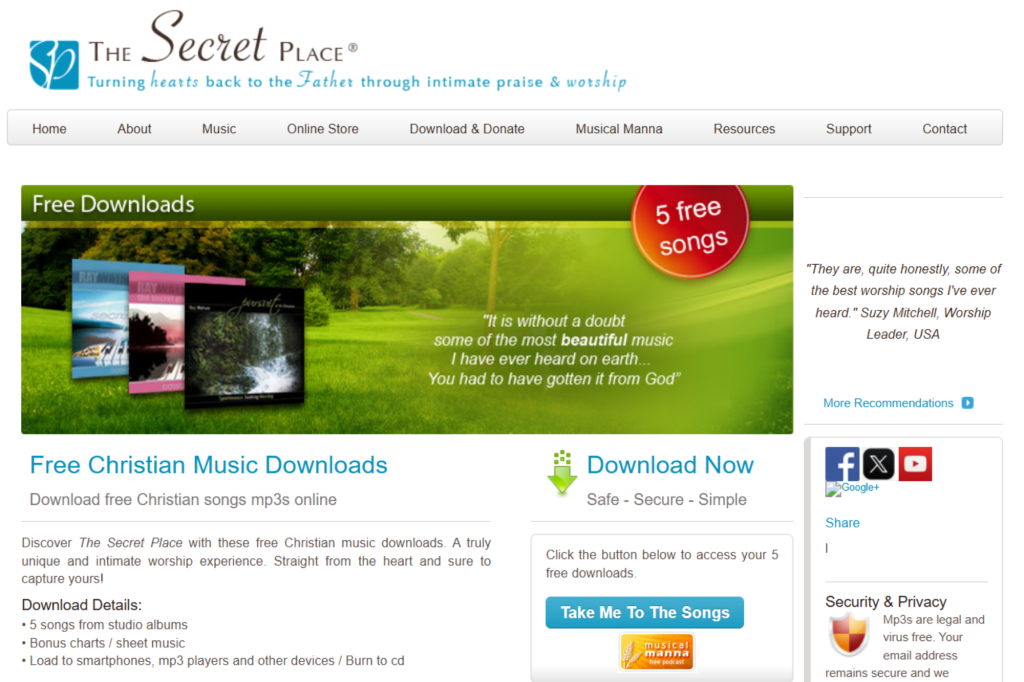
Many Christian (and other) artists offer free downloads to their music.
- Get on a computer
- Find free downloads by Google Search or ChatGPT
- Download the files
- Use CloudConvert if needed to convert them to mp3 files
- Email the songs to yourself OR upload them to your missionary Google Drive
Here’s a few sites we recommend you check out:
Jesusfreakhideout Free Music Page
Option 3: Buy the Song(s)
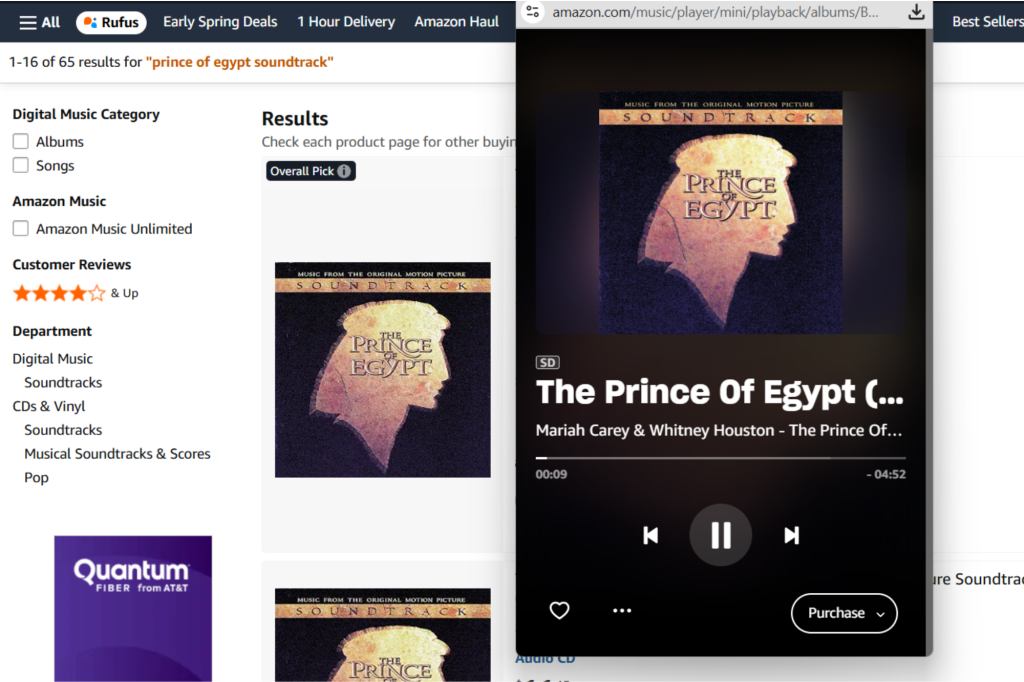
If there are songs you reeeaallly want to have, the best (and legal) way to get them on your missionary phone is to start by purchasing them.
- Get on a computer
- Go to Amazon and search for the song.
- Click the MP3 version of the track or album.
- Purchase the song.
- After checkout, go to Your Library → Purchased in Amazon Music.
- Click Download.
- Email the song to yourself OR upload them to your missionary Google Drive (know that you can get in legal trouble if you share this drive of songs only you purchased)
Click here and scroll down for our full list of Amazon music missionary recommendations.
Note on Illegal Music
Some missionaries look for ways to convert videos they find online into audio files so they can listen offline. This is commonly done through third‑party “Youtube‑to‑MP3 converter” websites. However, YouTube and other major platforms prohibit downloading content this way, so be aware that doing so may violate their terms of service. Always make sure you have permission to download or use the content before saving it.