
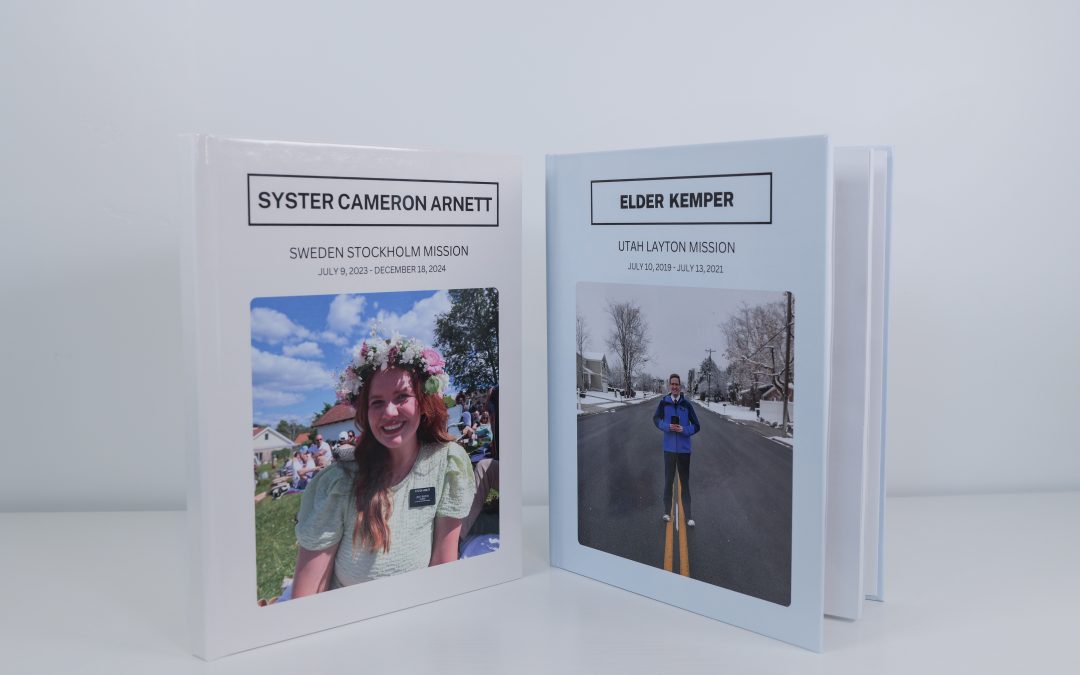
There’s something incredibly special about preserving a missionary’s journey—not just the big moments, but the everyday miracles, funny stories, and quiet growth that happen along the way.
As of January 1, 2026, missionaries now only have 60 days after their release date to save/copy everything from their missionary account (photos, emails, talks, etc.) before it all deletes.
Too many missionaries don’t realize this and end up losing their priceless memories to the abyss. Some are able to recover their data, if caught in time, but many aren’t. Don’t be one of those people!
Instead, the best course of action is to set up your accounts before you leave to ensure that everything is backed up as you go. The second best course of action is to make sure you save everything after you get home and long before those 60 days are up. See this article for tutorials on how you can save your missionary data as a future, current, or returned missionary.
After everything is digitally backed up, the next best practice is to save your memories physically in a binder or book. This article will cover the best options for preserving your missionary emails, photos, and other memories in a missionary photo book.
My Mission Moments Missionary Photo Book
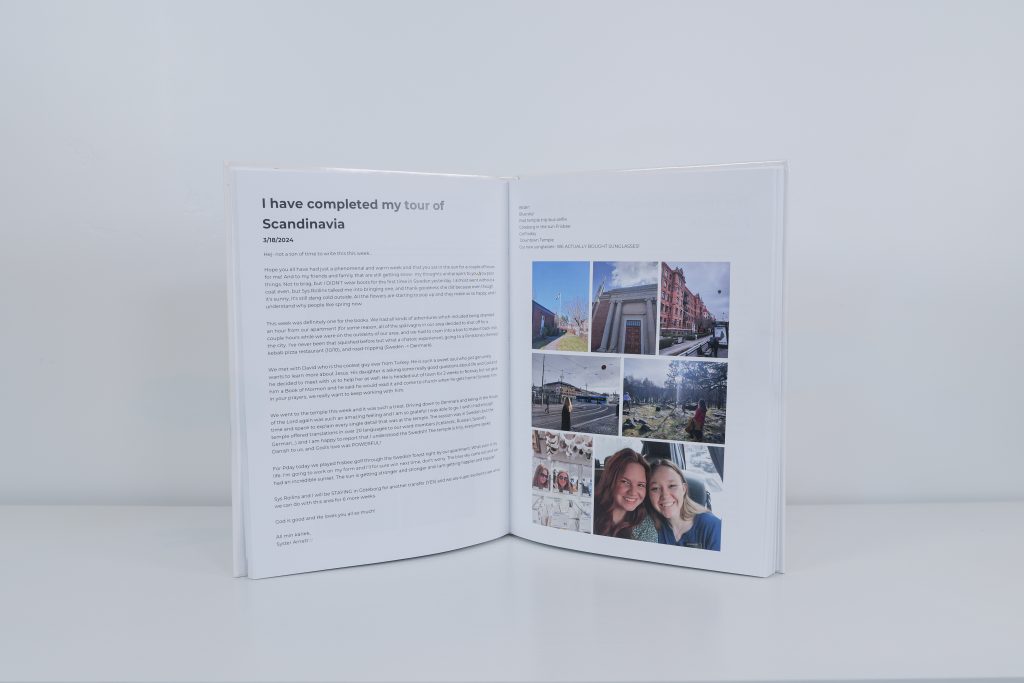
We must admit (based on our website URL) that the best way to preserve your mission memories is through My Mission Moments. With 18 5-star reviews, it’s clear that our customers love this service.
What is “this service“? We take missionaries’ emails, photos, and any other important memories (mission call, talks, MyPlan, airport photos, etc.) and format them beautifully into a hardcover book that you and your family can cherish forever.
We take future, current, and returned missionaries, but, like most things, the best strategy is to start sooner rather than later. If you order your book before you leave, we collect your emails as you go (saving you time forwarding us everything once you get home) AND you can know your cheapest options upfront! Either way and no matter when you order, your book will always turn out amazing:)
And, just try to find another service that takes all the work out of this memory-keeping process AND has printing costs as low as ours (our standard price covers up to 300 pages)!
You can place your order by navigating to the “Sign Up” menu, or clicking this link.
DIY Missionary Photo Book
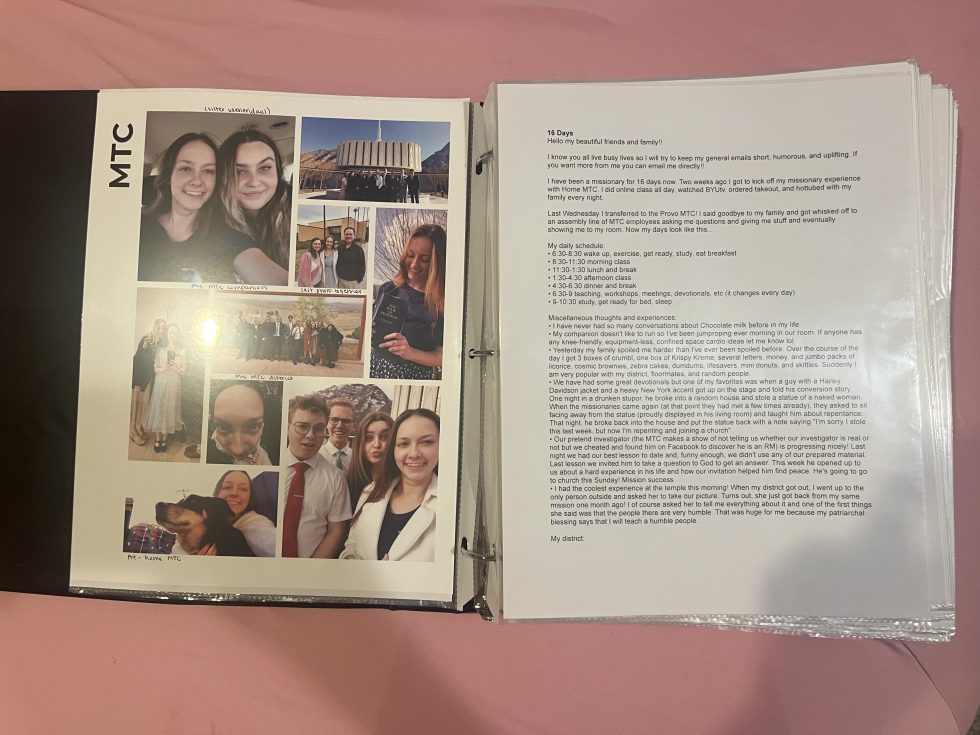
If you prefer to DIY, we can respect that too! I DIY’d my own book when I first got home, and, although I wouldn’t necessarily recommend it (took so long, cost too much for what it was, and turned out … okay), someone with more craft expertise than me could probably take this info and make something better (if that’s you, comment how your book-making process went)!
Step 1: Collect Everything First
Before designing your missionary photo book, gather:
- Weekly emails
- Photos from companions and members
- Screenshots of messages
- Letters or notes
- Favorite quotes
- Area lists and companion names
Step 2: Pick a Missionary Photo Book Style
Choose a format that matches your time, budget, and creativity:
Popular Options
- Digital printed photo book (put together on Canva or AdobeExpress)
- Handmade scrapbook album
- Hybrid book (printed pages + handwritten notes)
If you want a clean, professional look, digital is best. If you want something deeply personal, handmade is ideal.
Step 3: Plan Your Layout Structure
Consistency is key for a polished missionary photo book.
Here’s how our own pages are formatted:
- Page titled with email subject line
- Date
- Photos starting on the next page, with up to 9 photos per page
- Make group photos and baptism photos bigger/stand out
Avoid overcrowding. White space helps photos and words stand out. Also, if you’re going the digital route, you’ll need to have sufficient border space on every side.
Step 4: Tell the Story Chronologically
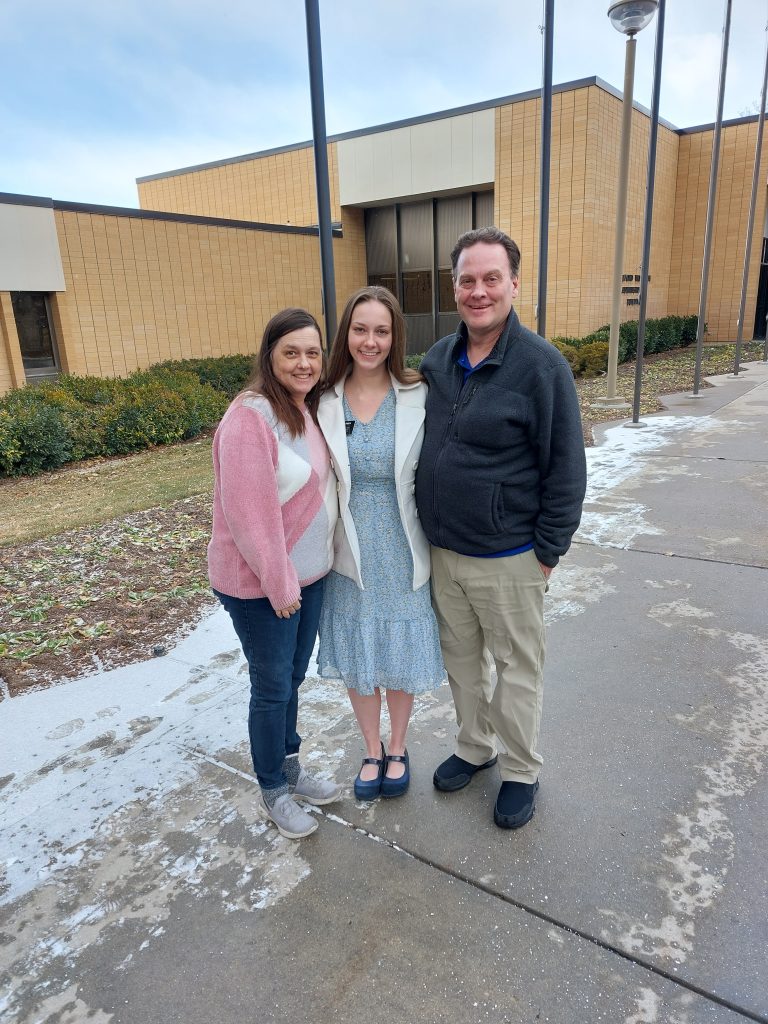
The best missionary photo books read like a story. Arrange pages in order:
- Mission call, mission acceptance letter, & farewell
- MTC experience
- Emails
- Final testimony
- MyPlan
- Airport photos
- Homecoming
Step 5: Add Personal Details That Matter
What makes a missionary photo book truly special is context, not just pictures.
Include:
- Spiritual impressions
- Funny stories
- Hard lessons learned
- Miracles witnessed
- Names of people taught
- Captions on photos
Years later, these details will be more valuable than perfect photos.
Step 6: Print and Preserve Your Missionary Photo Book
To make sure your book lasts:
- Choose thick, archival-quality pages (inserted into plastic sleeves, if possible)
- Use lay-flat or hardcover binding
- Store in a cool, dry place
- Keep a digital backup copy
For my own DIY book, I got my pages printed at a local small business, put them in plastic sleeves, and assembled everything in a binder.
Durability matters because this isn’t just a photo album—it’s a life record.
Missionary Photo Book Tips for Best Results
- Work on it monthly instead of waiting until the mission ends (if gifting to someone else – obviously missionaries can’t work on their own books in the field)
- Use consistent fonts and colors
- Save original image files in high resolution
FAQ: Missionary Photo Book
What should I include in a missionary photo book?
Mission call, mission acceptance letter, farewell, MTC experience, photos, emails, quotes, companion names, locations, personal reflections, final testimony, MyPlan, airport photos, homecoming.
How many pages should a missionary photo book be?
Most range from 150–300 pages depending on mission length and detail.
Final Thoughts
A missionary photo book is more than a project—it’s a way to preserve faith, growth, and memories that might otherwise fade. Whether simple or elaborate, the most meaningful books are the ones made with love and intention.